01 / 06 · The booking workflow
One place to organise the clinic
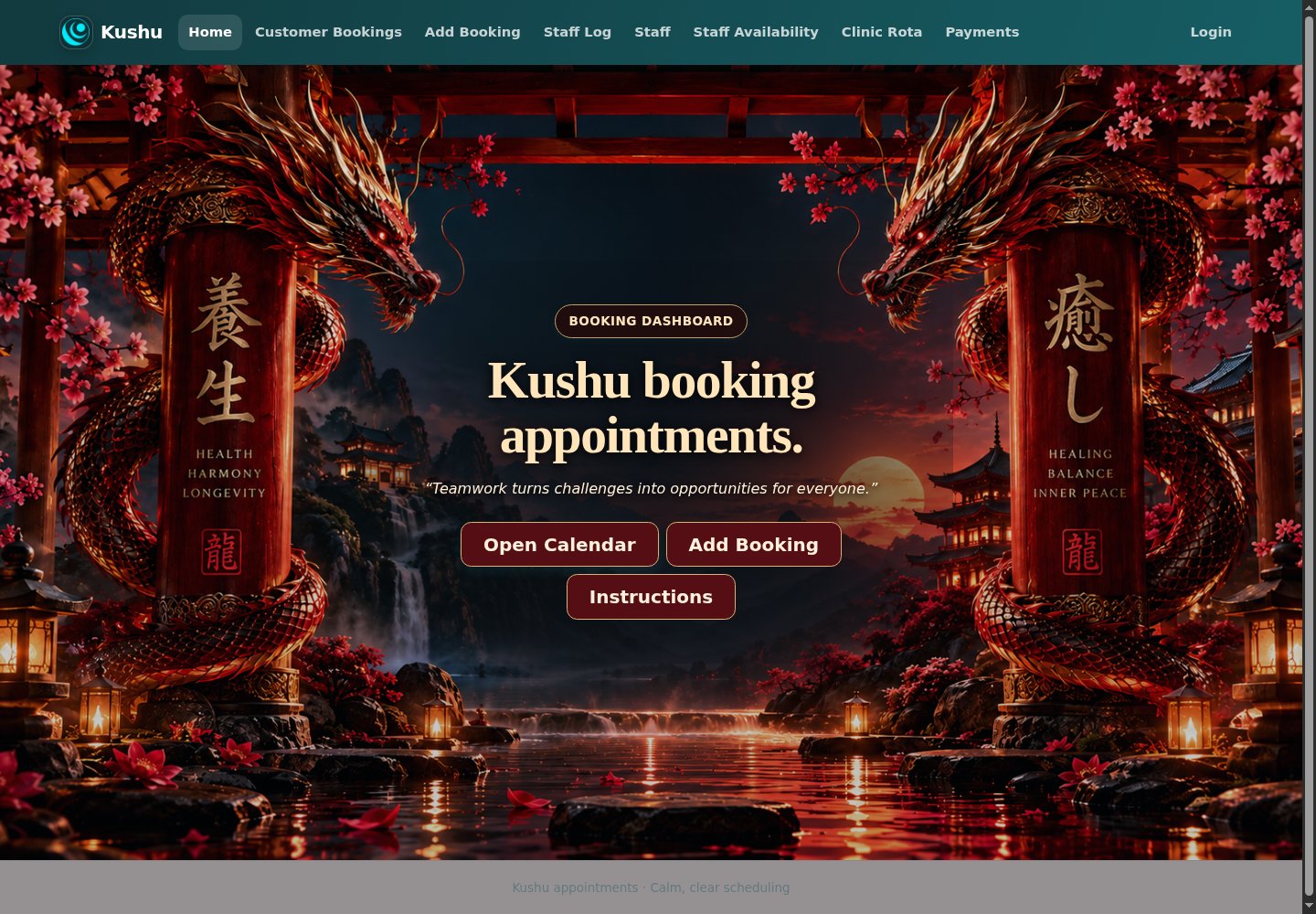
The Kushu booking application brings appointments, staff availability and weekly rota planning into one interface.
01 · Plan
Check staff availability and the clinic rota.
02 · Book
Record an appointment and assign a staff member.
03 · Review
Use the calendar, weekly statistics and coverage views to review the schedule.
03 / 06 · Appointment capture
The details a booking needs
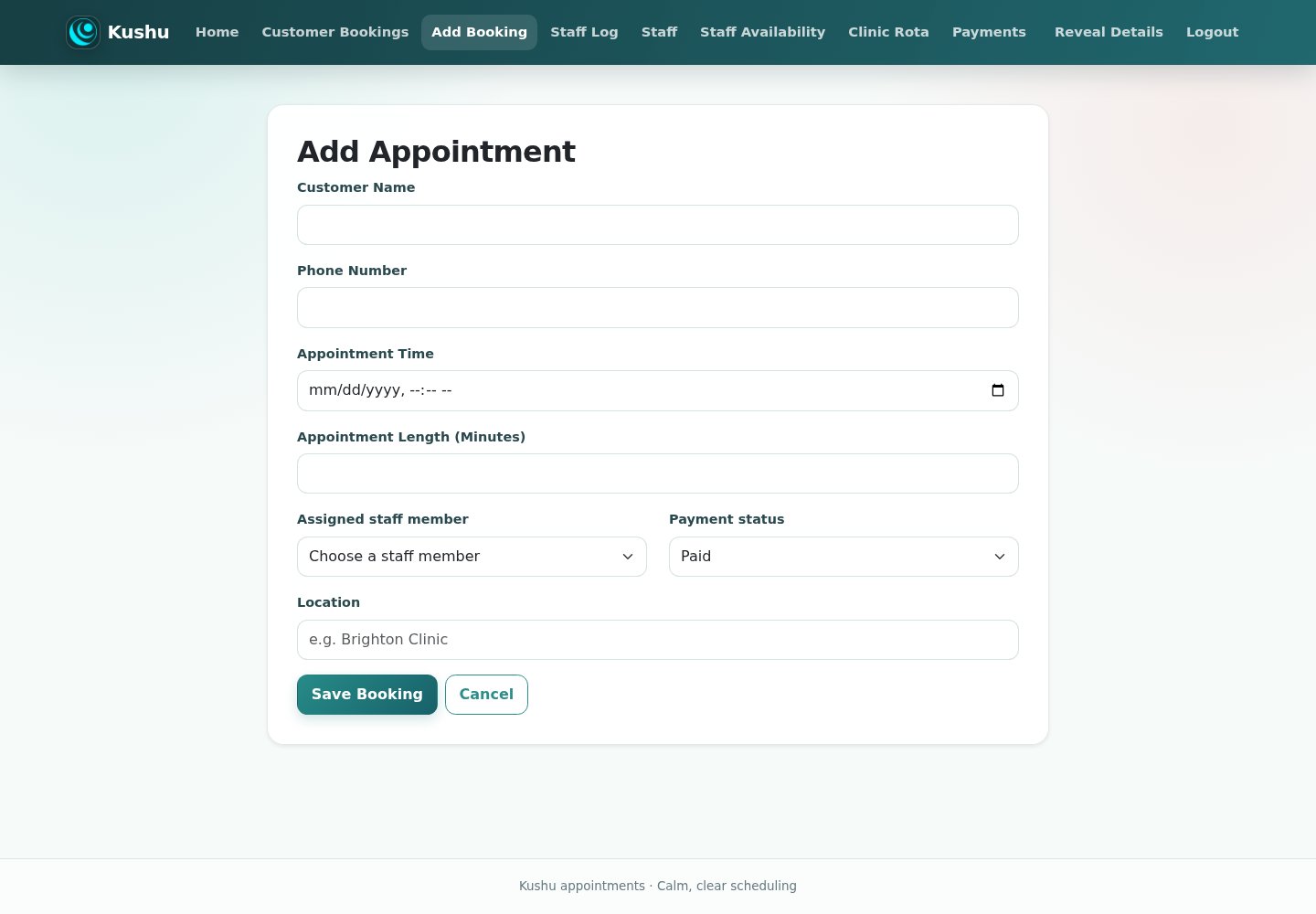
A single form gathers the customer, timing, staff assignment and payment status.
Customer & time
Customer name, phone number, appointment date and time, and duration in minutes are required fields.
Staff & location
Assign a staff member and record the appointment location.
Payment status
Choose Paid, Not Paid or Groupon Voucher, with an optional voucher code. This records a status; a payment-processing integration was not verified.
Ways to build your website
A quick comparison of a bespoke build, a designer, a website builder and hosting. The right choice depends on the features you need and how much you want to manage yourself.
Estimated yearly competitor costs
Budget examples for one website, reviewed 26 September 2026. Figures are before any applicable VAT, domain renewals, email, transaction fees and optional support. Builder prices assume annual billing and you doing the design work yourself; these are estimates, not checkout quotes.
| Example | First year | Following years | Calculation & scope |
|---|---|---|---|
| Wix Light | Approx. £108 | Approx. £108/year | £9 × 12. Basic website; not the booking-plan comparison. |
| Wix Core / Business | Approx. £192–£300 | Approx. £192–£300/year | £16–£25 × 12. Website and scheduling options; check staff limits and required features. |
| Squarespace Basic / Core | Approx. £144–£204 | Approx. £144–£204/year | £12–£17 × 12. Website subscription only; Acuity Scheduling costs extra. |
| Squarespace Core + Acuity Standard | Approx. £447 | Approx. £447/year | £204 website + $324/year scheduling ≈ £243, using an illustrative $1 = £0.75 budgeting rate. Up to 6 calendars; currency conversion and card fees vary. |
| Krystal hosting only | Approx. £84–£228 | Approx. £84–£228/year | Published £7–£19 monthly rates × 12; annual-payment discounts may reduce this. Hosting only, without a website build or booking application. |
| Freelance designer + website plan | Illustrative £944–£3,204 | £144–£204/year for the example plan, plus quoted support | £800–£3,000 one-off simple website build + £144–£204 platform budget. The build fee is not annual; a bespoke booking system needs a separate quote. |
These examples are not equivalent packages. Clinic rotas, payment records and custom administration may require additional software or development. Following-year estimates assume unchanged prices, not guaranteed renewal rates. Promotional discounts are excluded; verify local pricing and tax at checkout. The USD conversion above is a budgeting assumption, not a live exchange-rate quote.
| Option | What you get | Bookings & custom features | Costs to allow for |
|---|---|---|---|
| Bespoke development Like these portfolio projects | Design and development around an agreed brief. | Specific workflows can be built to scope, such as the featured clinic rota and staff availability screens. | Project quote, hosting, domain and agreed maintenance. Extra features priced to scope. |
| Another designer or agency | A managed design service; may use custom code, WordPress or a builder. | Depends on the platform and what is included in the quote. | Design fee plus any platform, hosting, plugin and support charges. Compare the same scope. |
| Wix | A website builder with hosting included; build it yourself or hire help. | Wix Bookings supports service scheduling; check the plan and whether it fits your workflow. | Selected plan, domain renewal and any optional apps or services. Confirm the checkout price. |
| Squarespace | A website platform with plan-based features; build it yourself or hire help. | Acuity Scheduling is a separate subscription. Check its suitability for your booking needs. | Website subscription, domain and any separate scheduling, email or other services. |
| Hosting only For example, a web-hosting plan | Infrastructure to run a website. A completed design is a separate requirement; some providers also sell builders. | Booking software must be installed, built or connected separately. | Hosting renewal, domain, development and any software or maintenance fees. |
For a simple brochure site, a builder may be sufficient. For a clinic workflow, compare staff availability, shift planning and reporting as well as appointment booking. A designer can use any of these approaches; hosting and design are different services.
Provider details checked September 2026. Compare renewal prices, VAT, billing periods and add-ons before choosing. Sources: Wix plans · Squarespace plans · Hosting and builders explained.